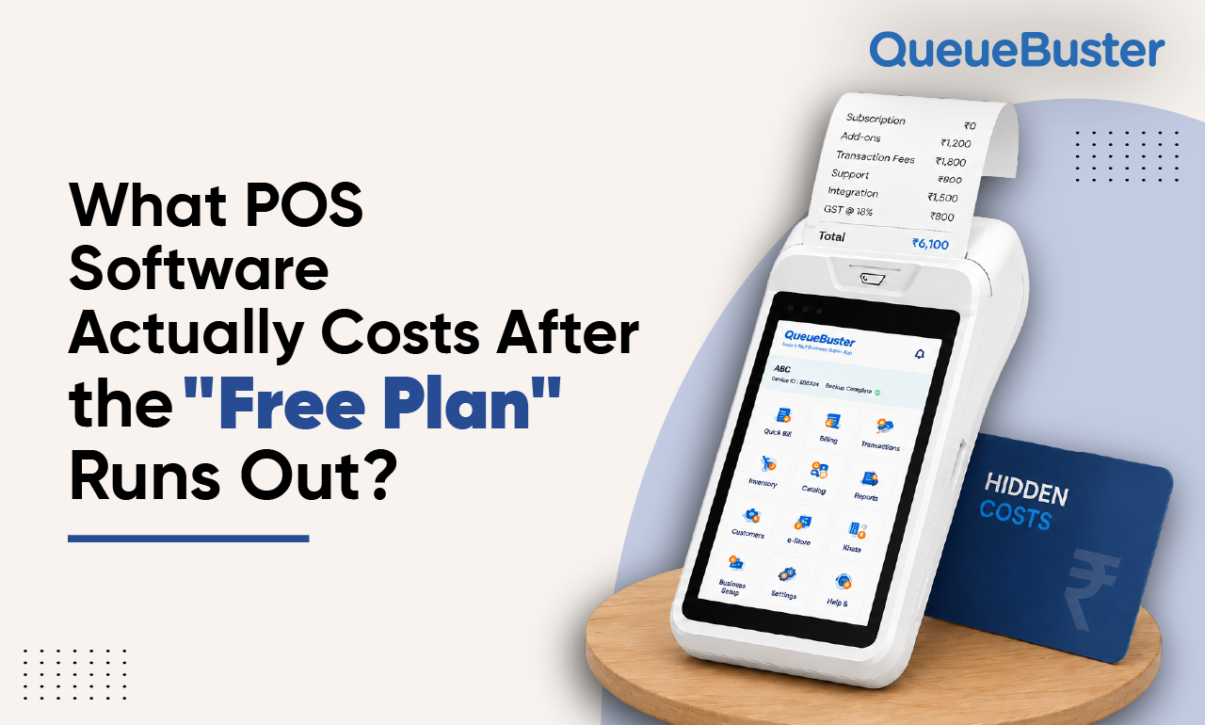
What POS Software Actually Costs After the “Free Plan” Runs Out?

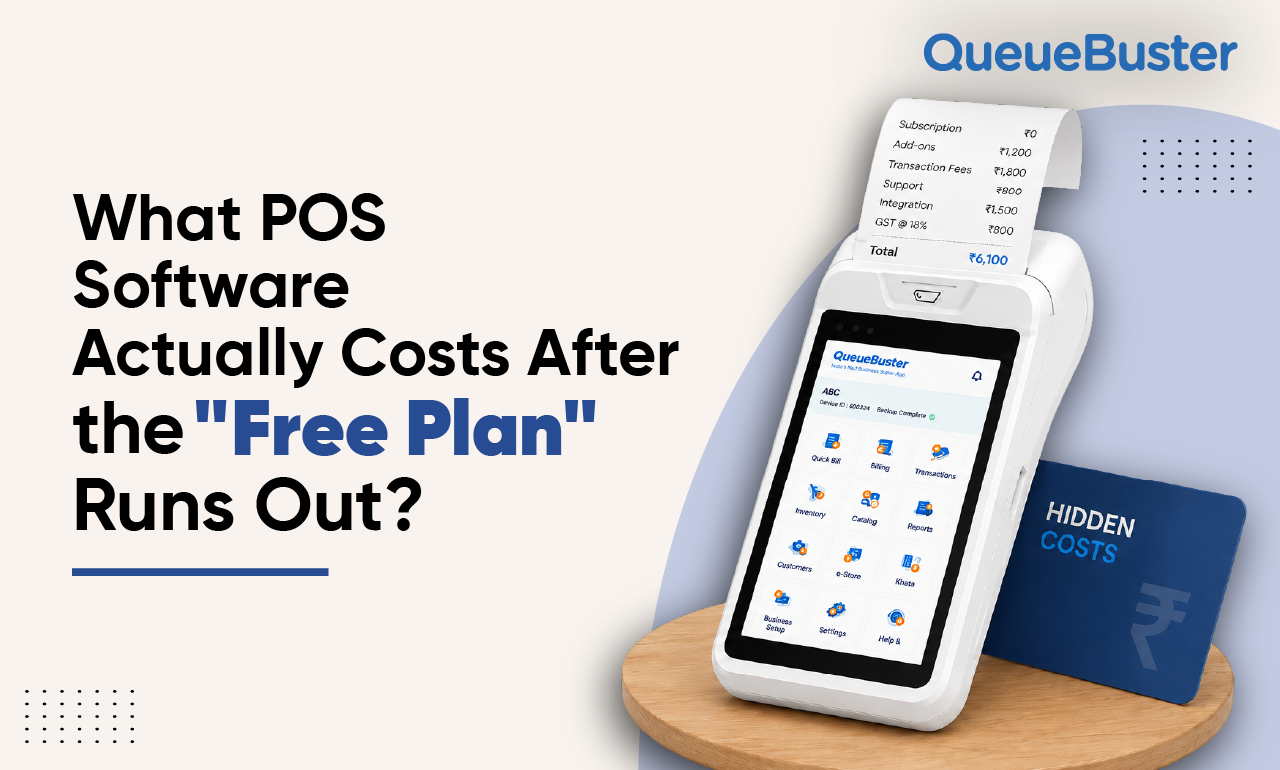
What POS Software Actually Costs After the “Free Plan” Runs Out?
By Charu Gupta Published: August 28th, 2026
Every retail business owner has seen the ad: “Free billing software, no cost, ever.” It’s a compelling pitch, and to be fair, many providers genuinely do offer usable free tiers. But “free” in POS and billing software almost always means free-until-you-actually-need-it. Understanding where those walls show up is the difference between choosing a tool that grows with your business and one that quietly becomes your most annoying recurring expense.
Why “Free” Plans Exist
Free plans aren’t charity, they’re customer acquisition. A retailer starts with basic billing, gets comfortable with the interface, imports months of product and customer data, and by the time real limitations show up, switching feels expensive and disruptive. That’s the business model, and it’s a reasonable one. The problem is when the limitations aren’t obvious upfront.
Where the Real Costs Hide
- Transaction or invoice caps. Many free tiers cap the number of monthly invoices or bills. A small stationery shop might comfortably stay under the limit; a busy restaurant or multi-counter retail store will blow past it within the first two weeks of a new month, forcing an upgrade mid-cycle.
- Multi-device and multi-user access. Free plans frequently allow just one device or one login. The moment a business opens a second billing counter, adds a cashier, or wants an owner-level dashboard view separate from staff access, that’s typically a paid-tier feature.
- Inventory depth. Basic billing might be free, but real inventory management, batch tracking, low-stock alerts, multi-location stock transfers, is usually gated behind a paid plan. For restaurants, this often includes recipe-level ingredient tracking, which almost never ships free.
- GST and tax reporting. Some free tools handle basic invoicing but charge extra for GSTR-ready export reports, e-invoicing, or e-way bill generation, exactly the features a growing business needs most as its transaction volume increases.
- Customer support response time. Free-tier support is often community forums or 48-hour-plus email queues. When your billing counter goes down during peak hours, that gap in support quality has a real, immediate cost.
- Integrations. Connecting to payment gateways, accounting software, or e-commerce platforms is almost always a paid add-on, even when the core billing tool is free.
How to Actually Compare Providers
Rather than comparing headline prices, it’s worth building a simple checklist before evaluating any billing or POS software:
- What’s the real invoice/transaction limit on the free tier, and what’s your current monthly volume?
- Does the paid tier price scale per device, per store, or per user, and how does that match your growth plan for the next 12 months?
- Are GST reports, e-invoicing, and e-way bills included, or are they a separate add-on?
- What does multi-store or multi-branch pricing look like, not just single-counter pricing?
- Is customer support tiered, and what’s the actual guaranteed response time on your plan?
The Hidden Value of Predictable Pricing
The businesses that get burned aren’t usually the ones on paid plans, they’re the ones who onboarded on a free plan without checking what happens at scale, then face a jump in cost right when they can least afford the disruption of switching providers. A transparent, predictable pricing structure, even if it costs more upfront than a “free” competitor, often ends up cheaper over 12 months, simply because there are no surprise upgrade walls.
What to Ask Before You Commit
Before signing up with any billing software provider, ask directly: what does this cost when my business doubles in size? A good provider should be able to answer clearly, with a defined pricing tier structure, rather than a vague “contact sales for enterprise pricing” response.
The Bottom Line
Free plans aren’t a trap by design, they’re a starting point. The mistake is treating the free-tier experience as representative of what a business will actually pay once it’s using the software the way it’s meant to be used: multiple counters, real inventory tracking, tax-ready reporting, and support that responds when it matters. Retailers who map out their 12-month growth trajectory before choosing a plan, rather than after hitting a paywall, consistently end up with lower total costs and far fewer mid-year surprises.
Popular Posts
What UPI Downtime During Peak Hours Actually Costs a Retailer?
UPI has become the default payment method for a large share of […]
Why Do Two Branches of the Same Store Never Have Matching Numbers?
Ask a franchise or multi-branch retail owner if their outlets follow the […]