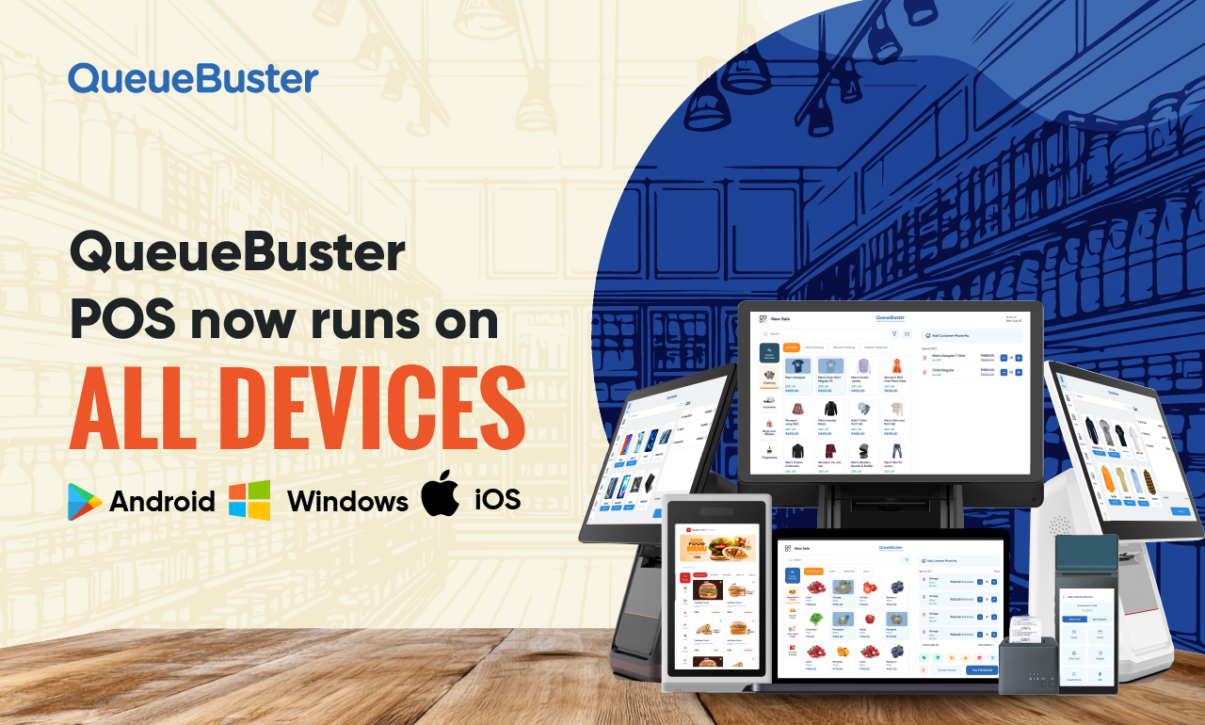
QueueBuster on Windows: The Same Powerful POS, Now on all Devices

QueueBuster on Windows: The Same Powerful POS, Now on all Devices
By Charu Gupta Published: September 7th, 2026
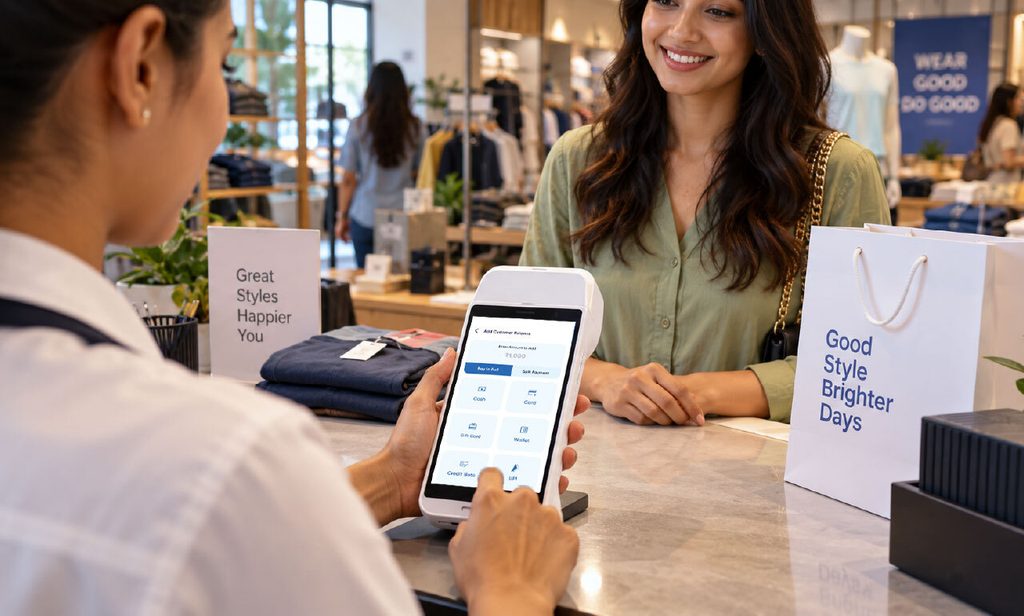
Walk into ten different retail stores and you’ll find ten different setups. One shopkeeper is running billing off an Android tablet propped up on the counter. Another has a full Windows desktop wired up with a barcode scanner, a cash drawer, and a receipt printer that’s been there for years. A third is doing both, a tablet at the counter and a desktop in the back office for reports. Most POS software forces you to pick a side. QueueBuster doesn’t.
QueueBuster runs just as well on Windows as it does on Android, iOS, or the web, same features, same data, same dashboard, no matter which device you open it on. If your business already runs on Windows machines, or if you’re simply someone who prefers a full desktop setup over a tablet, QueueBuster on Windows gives you everything the platform offers, without asking you to change your hardware to fit the software.
Why “Windows too” actually matters
A lot of retail and F&B businesses in India and globally didn’t start with tablets. They started with a desktop, a printer, and a scanner, and that setup has worked fine for years. Ripping it all out just to adopt modern billing software is a real cost, and honestly, an unnecessary one.
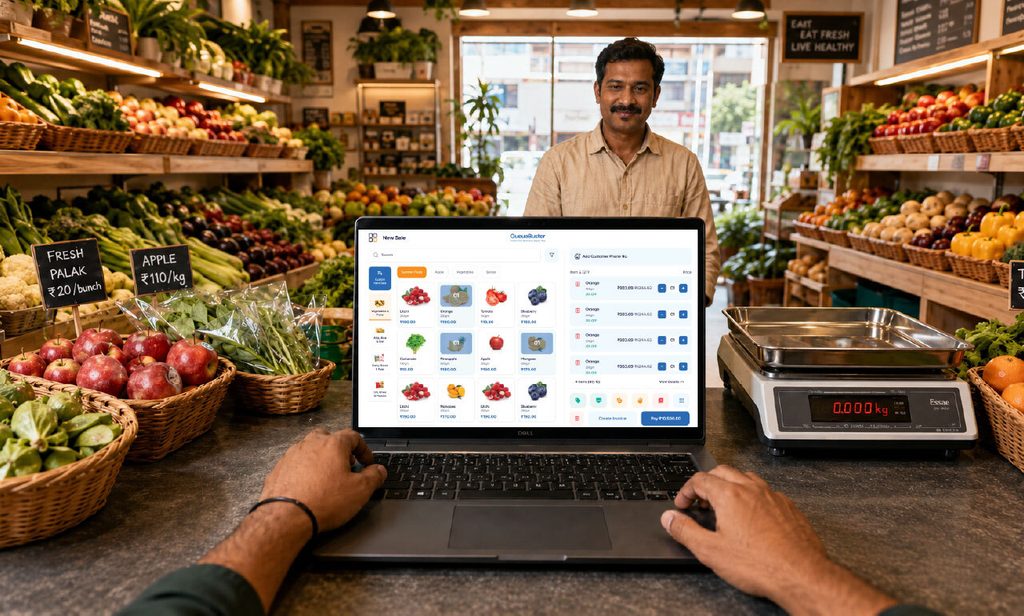
QueueBuster was built on the idea that the software should adapt to the business, not the other way around. So if you’ve already invested in Windows machines and peripherals, barcode scanners, thermal printers, cash drawers, weighing scale integrations, you don’t need to touch any of it. QueueBuster installs on top of what you have and just works.
What you get on the Windows version
Everything that makes QueueBuster useful on mobile is available on Windows too:
- Billing and invoicing, including GST-compliant invoices
- Inventory management across single or multiple outlets
- Customer relationship tools, loyalty points, purchase history, offers
- Real-time sales reports and dashboards
- Integration with existing hardware: printers, scanners, cash drawers, weighing machines
- Multi-user access with role-based permissions for staff and managers
- Offline billing support, so a spotty internet connection doesn’t stop your counter
None of this is a “lite” version built for desktop as an afterthought. It’s the full QueueBuster experience, just running on a different operating system.
One account, every device
Here’s the part that actually changes how businesses operate day to day: it’s not “Windows OR Android.” It’s both, together, if you want it.
A store can run billing on Windows at the main counter, hand a tablet to a floor staffer for mobile checkout during a rush, and have the owner check sales reports from a phone at home, all pulling from the same account, the same inventory, and the same numbers. Nothing needs to be manually synced or reconciled at the end of the day. Change a price on one device, and it reflects everywhere else immediately.
For businesses with multiple outlets, this matters even more. One outlet might run entirely on Windows desktops because that’s what their staff is used to. Another might be Android-first because it’s a smaller footprint or a newer location. QueueBuster doesn’t care, the backend, the reporting, the customer data all stay unified regardless of what’s sitting on the counter.
Who this is really for?
If any of these sound like you, the Windows version is worth a look:
The bigger point
Device-agnostic sounds like a buzzword until you’re the retailer who bought new hardware last year and doesn’t want to buy more this year. QueueBuster’s approach is simple: build the software once, make it genuinely work everywhere, and let the business decide what device makes sense for each counter, each outlet, each person using it.
Windows, Android, iOS, web, pick what fits your setup. QueueBuster meets you there.
Popular Posts
AI Catalog Creation: Turn Your Physical Menu into a POS Catalog in Seconds
Your menu is ready. Why isn’t your POS? Every restaurant already has […]

Bringing Smart Business Solutions to CMPL Expo with QueueBuster
When businesses, entrepreneurs, manufacturers, and industry experts come together under one roof, […]